Source from
the Industry's Largest Vendor Ecosystem.
Tap into the largest vendor marketplace across multifamily and commercial. AI-powered search surfaces the right match by trade, location, and compliance status. Every vendor pre-vetted before you find them.
Your vendor pool is smaller than it should be
 Limited vendor pool across properties
- Vendors unavailable when you need them
- Finding new vendors is time-consuming and inconsistent
- Onboarding is slow and manual
- Vendor quality is inconsistent and hard to verify
 AI-powered search surfaces most relevant vendors
- Tap into a network of pre-vetted vendors
- Add new vendors quickly without the usual friction
- Choose vendors confidently with performance insights and ratings
- Onboard new vendors faster with bilingual support
A faster way to expand your vendor pool
Invite Pre-Vetted Vendors

Invite vendors from NetVendor’s pre-qualified marketplace directly into your network, so you’re not starting from scratch or introducing unknown risk.
Align Vendors to Your Standards
Even pre-vetted vendors are configured to your specific compliance requirements, ownership rules, and property needs before they begin work.
Validate and Approve Without Delays
Insurance and documentation are reviewed through AI and human credentialing, so vendors are approved faster than any platform in the market. No bottlenecks, no workarounds.

Search for Pre-Verified Vendors
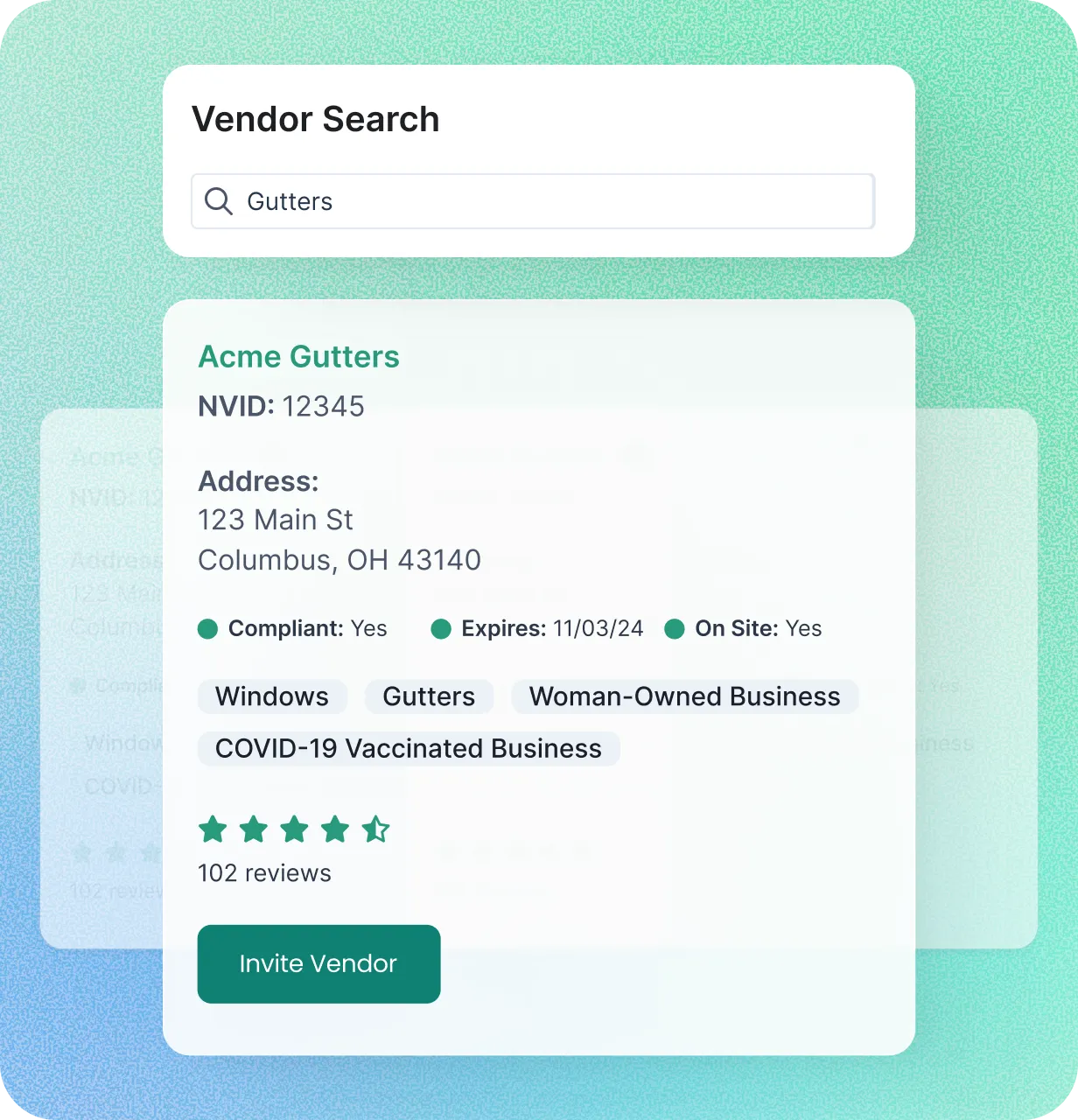
AI Search Intelligence surfaces the best-fit credentialed vendors by trade, location, compliance status, and DEI criteria. Pre-vetted vendors, filterable to your exact requirements.

AI-powered matching surfaces the right credentialed vendors by trade, location, and compliance status, faster than manual search.
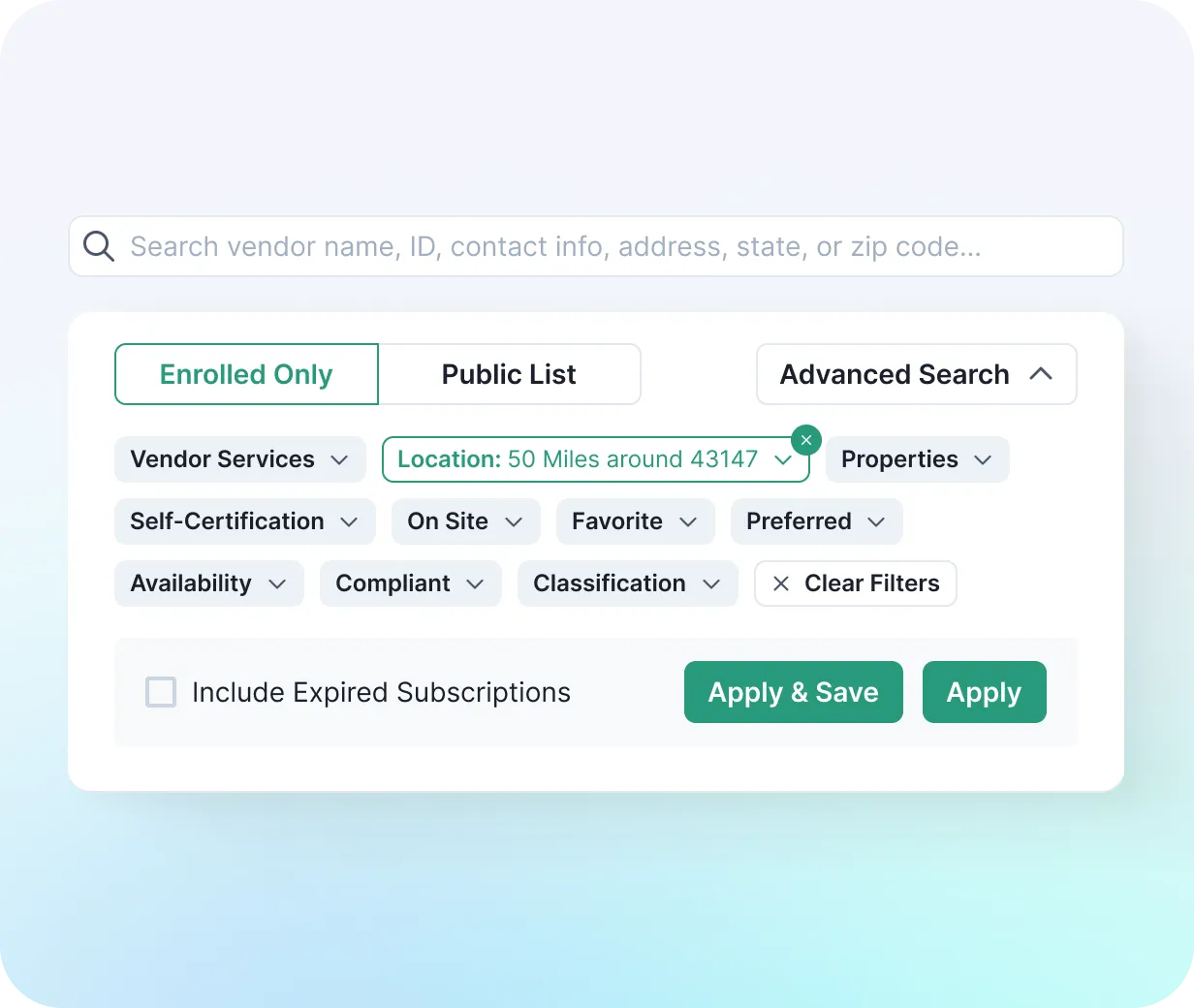
Filter NetVendor's ecosystem by what matters most. Narrow results by trade, location, compliance status, and more.
Advanced search, across the robust data set (e.g., by property, integration ID, subscription class, classification, DEI type, compliance status, favorites, preferred, etc.)
Search your active vendors, public vendor list, or your de-activated vendors
View vendor’s public reviews before inviting them to join your network.
Search by vendors’ corporate social responsibility, or DEI, status to find vendors that meet your organization’s DEI requirements.
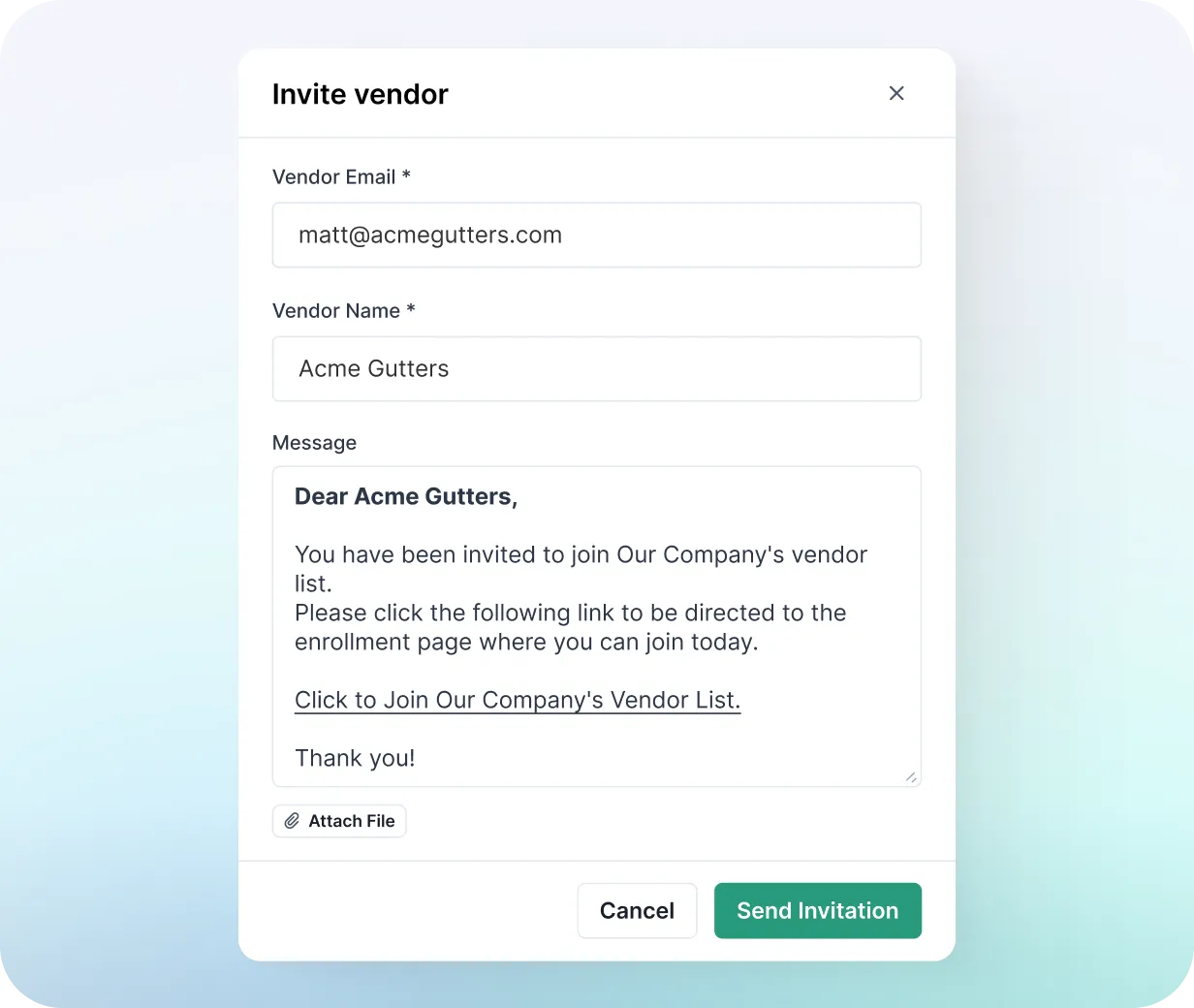
Invite and add vendors without the friction
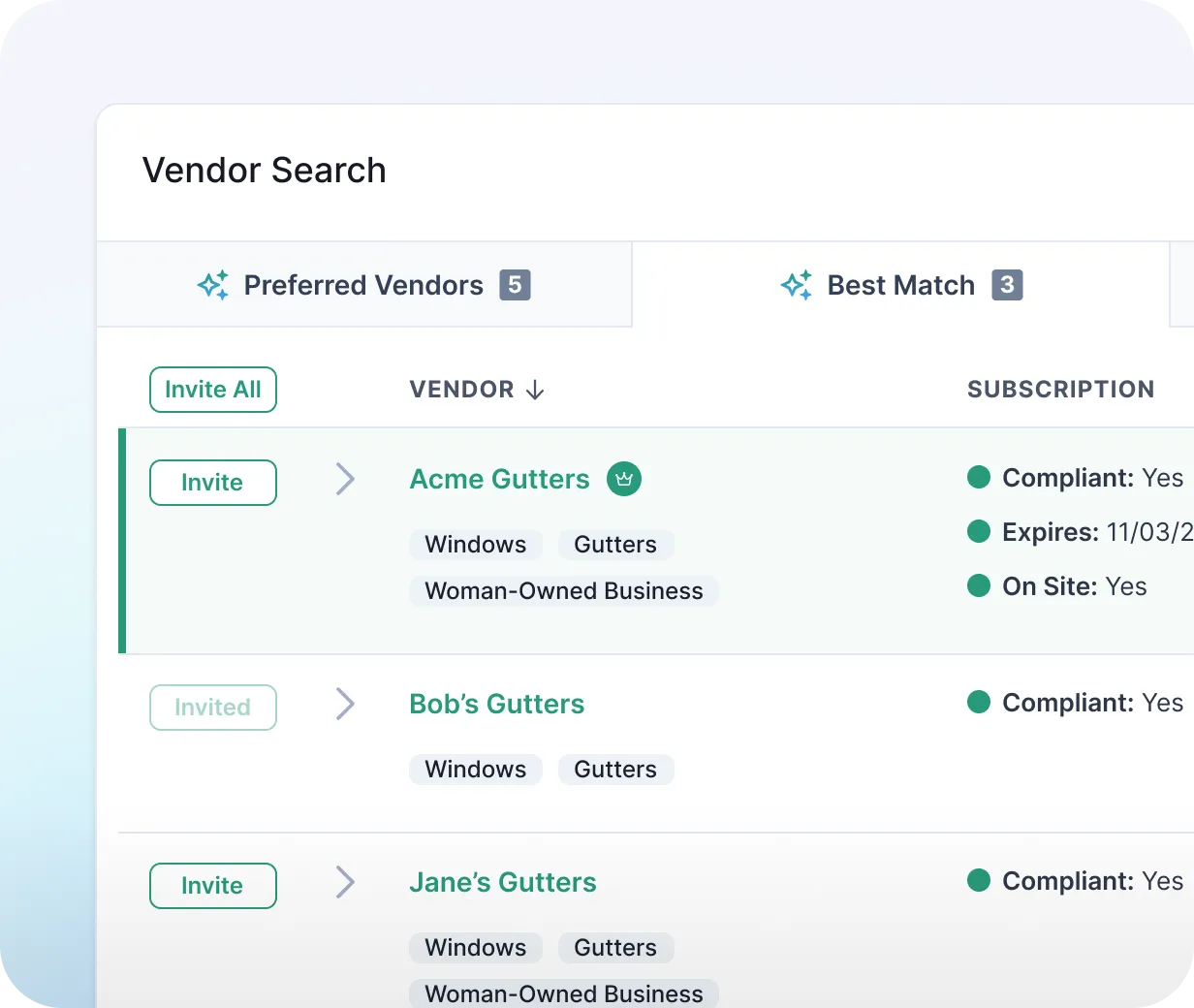
Invite vendors from NetVendor's network in just a few steps, so you can quickly add qualified vendors without starting from scratch.
In-system vendor invitation tool allows you to easily invite new vendors to join your network.
Your PMS is updated automatically. Newly approved vendors are ready to work without manual data entry.
Easy online enrollment that takes ~8 minutes for vendors that are brand new to NV.
All documents are processed within 24 hours.
Manage Your Vendor Network
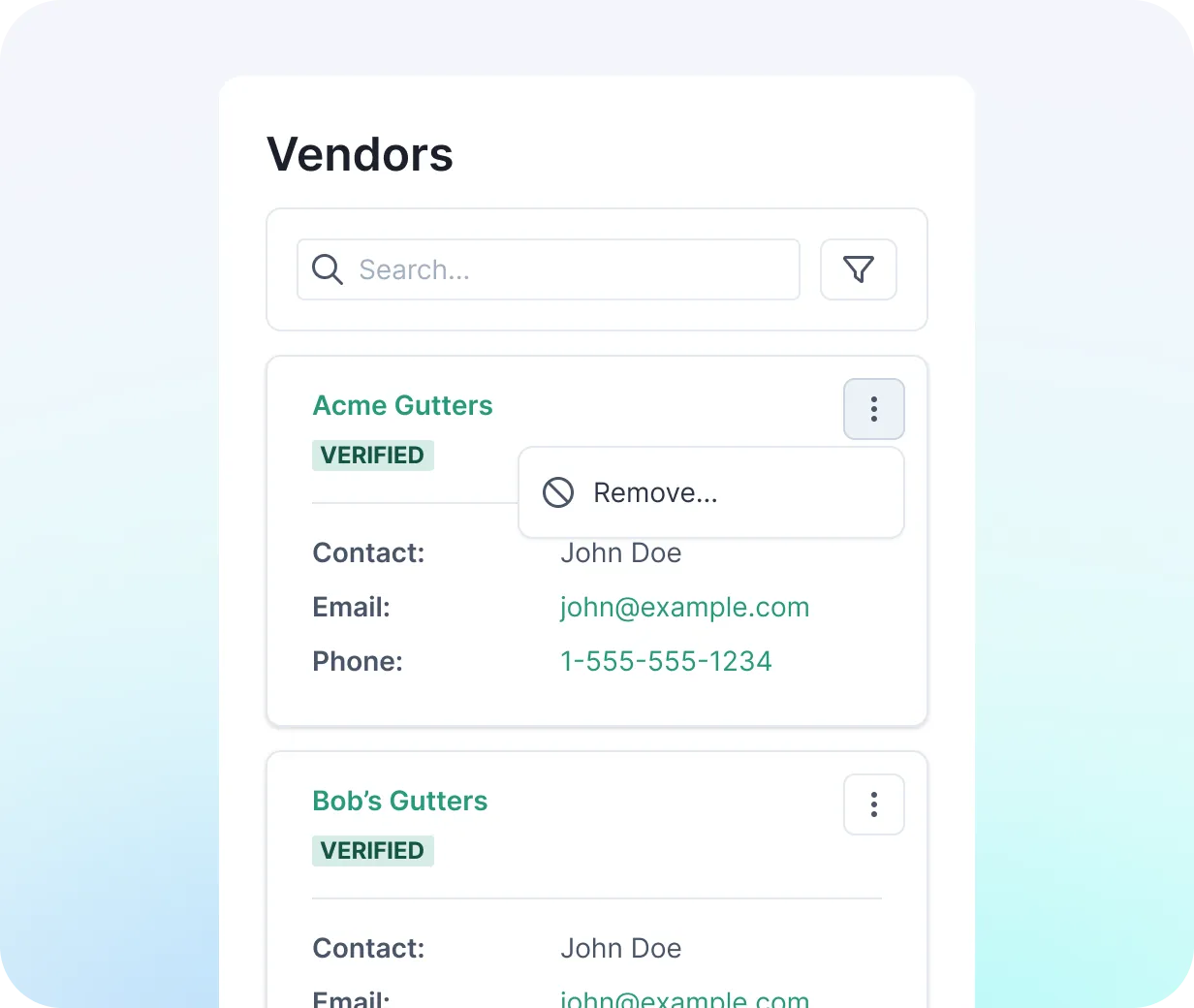
Your approved vendor list, structured by property, region, and service. Every vendor verified before they're eligible for work.
Keep the vendors you trust while expanding your network as needed.
Organize your vendor network to match how your portfolio operates.
Ensure every vendor meets your compliance and operational standards.
Decide who is eligible for sourcing, bidding, and ongoing operations.
Prioritize the Right Vendors
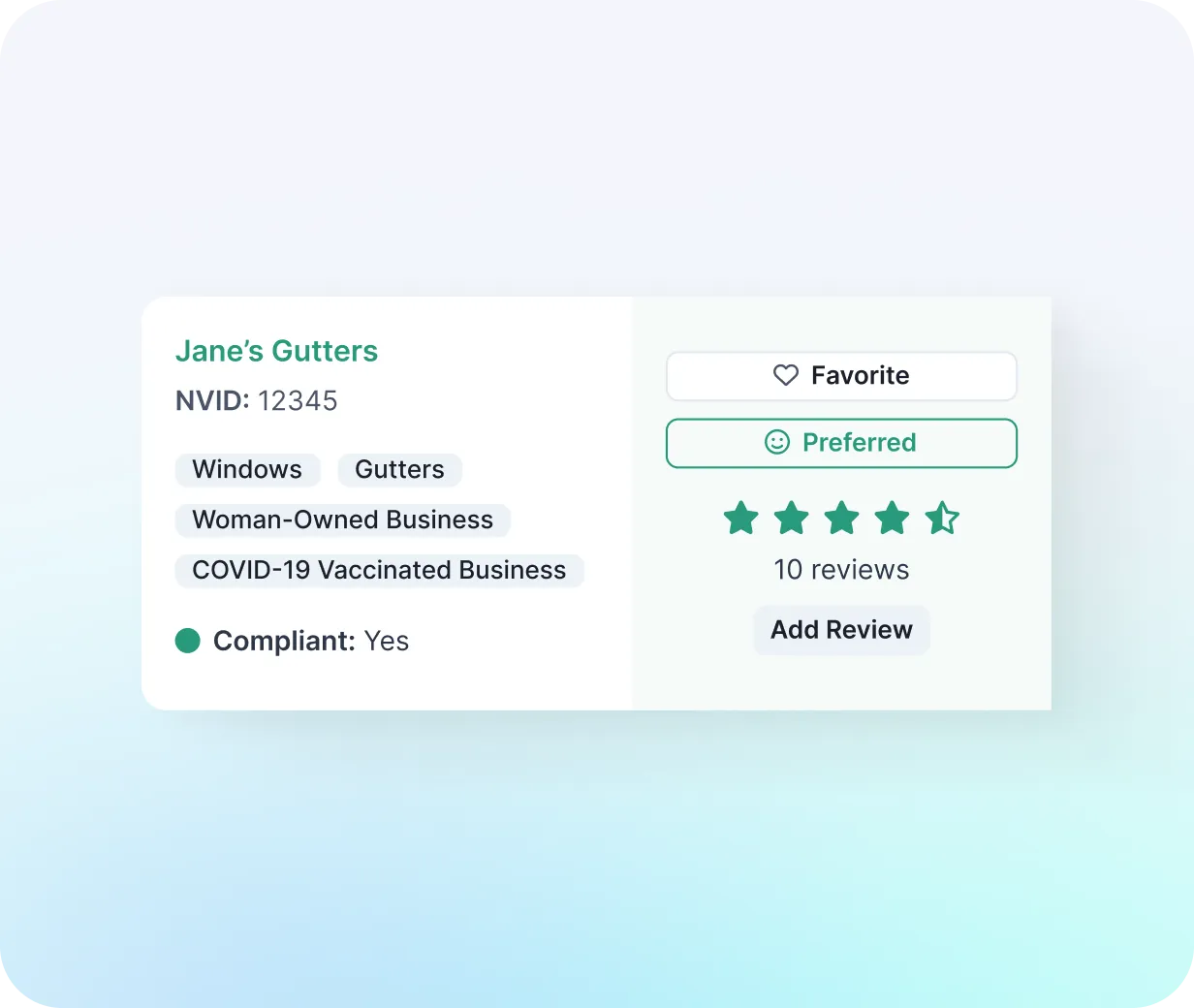
Highlight your preferred and favorite vendors within the platform, so property teams can easily identify and consistently use the right vendors.
5-star vendor rating system and review field to easily capture relevant vendor performance data.
Ability for users to set vendors as their favorites to easily find them later.
Ability for PMC to mark a vendor as “preferred” to encourage use of vendors that meet their preferred status criteria.