Every Vendor Contract. Governed and Auditable.
Centralized contracts, automatic renewal alerts, and rebid discipline. Nothing expires quietly. Every agreement stays governed and auditable.

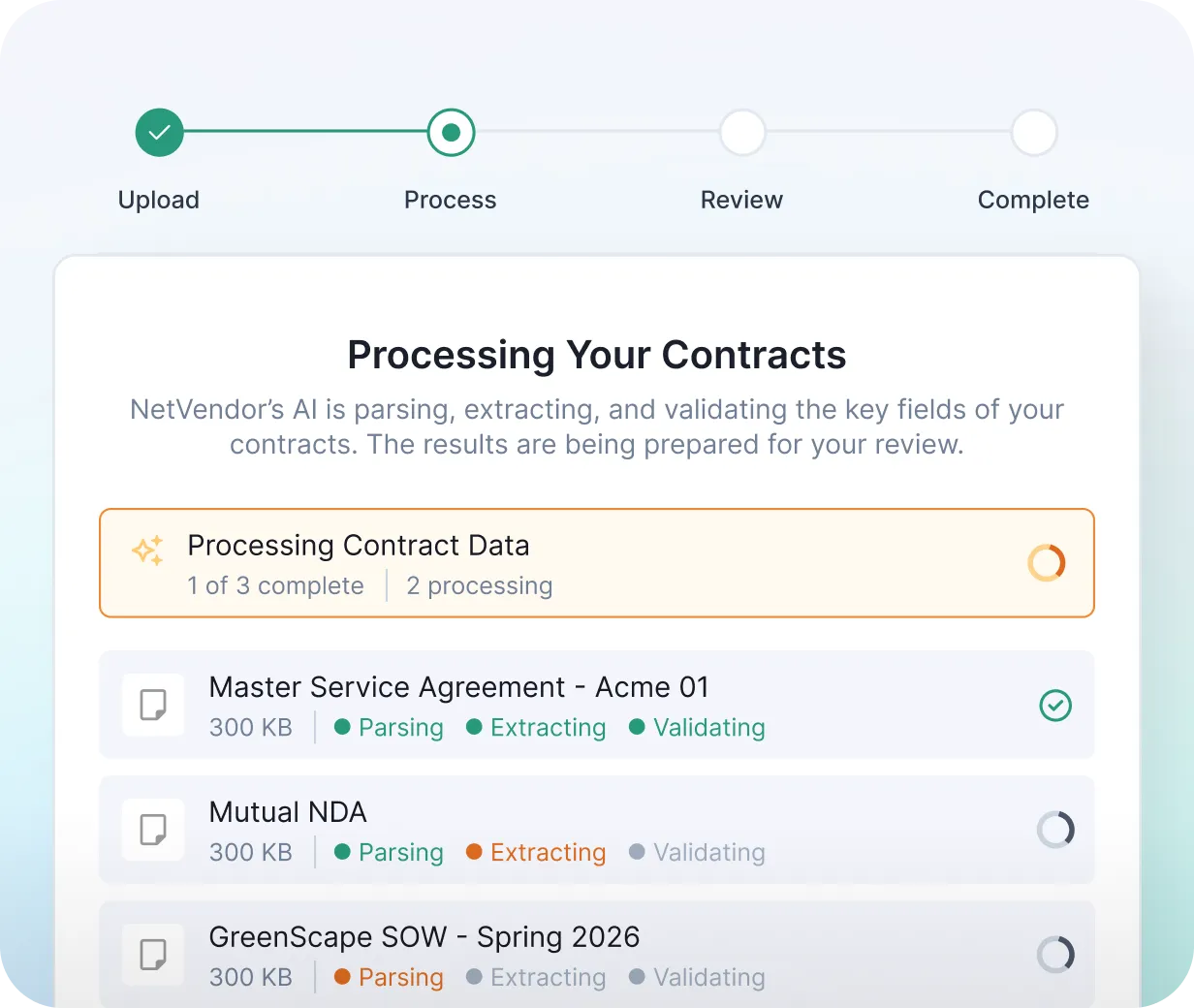
Import Your Existing Contracts in One Pass
Migrate your contracts up to 20 at a time. AI extracts key terms and dates, and your team reviews them side by side. No manual re-entry, no missed fields.
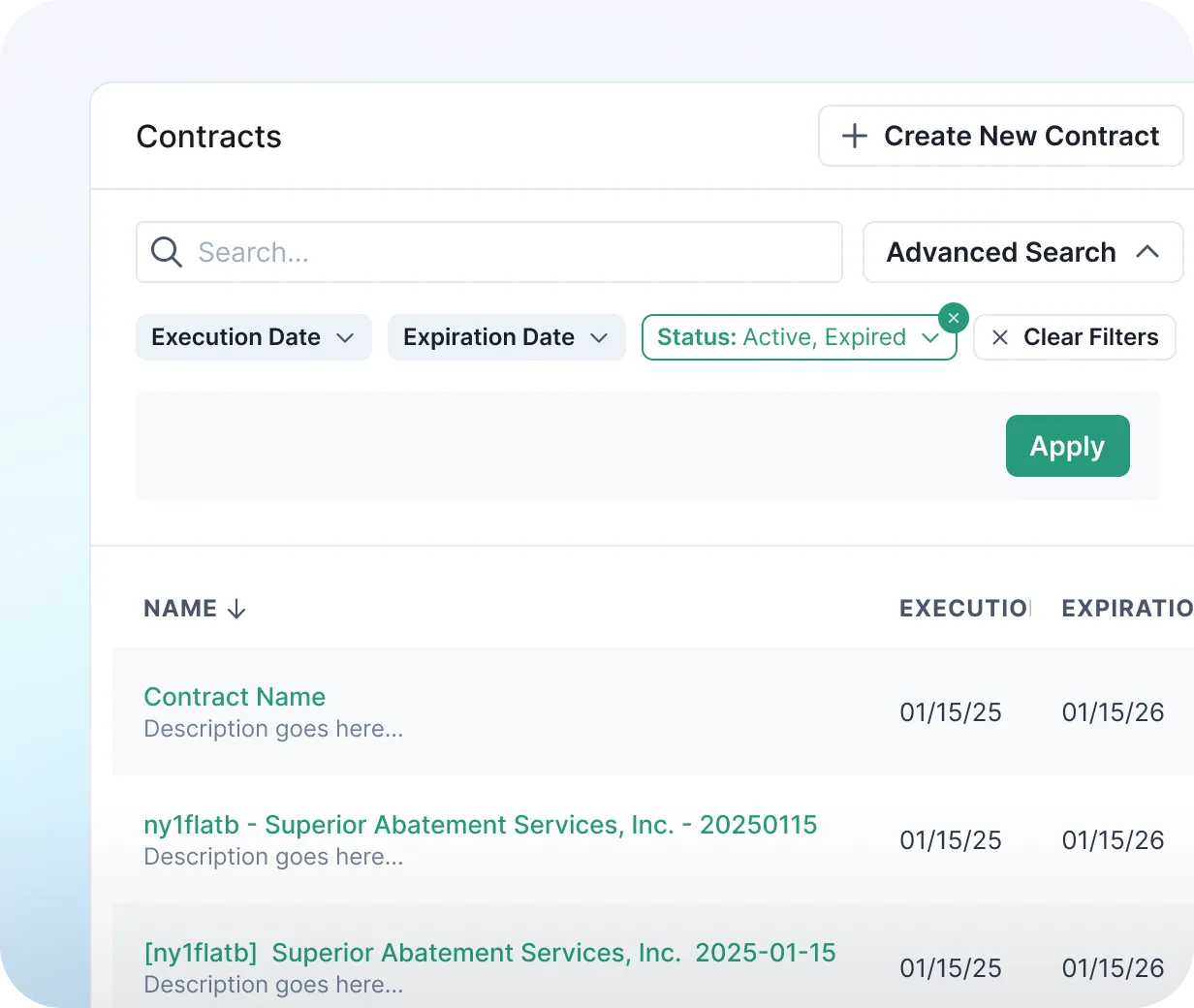
Advanced Search Your Way
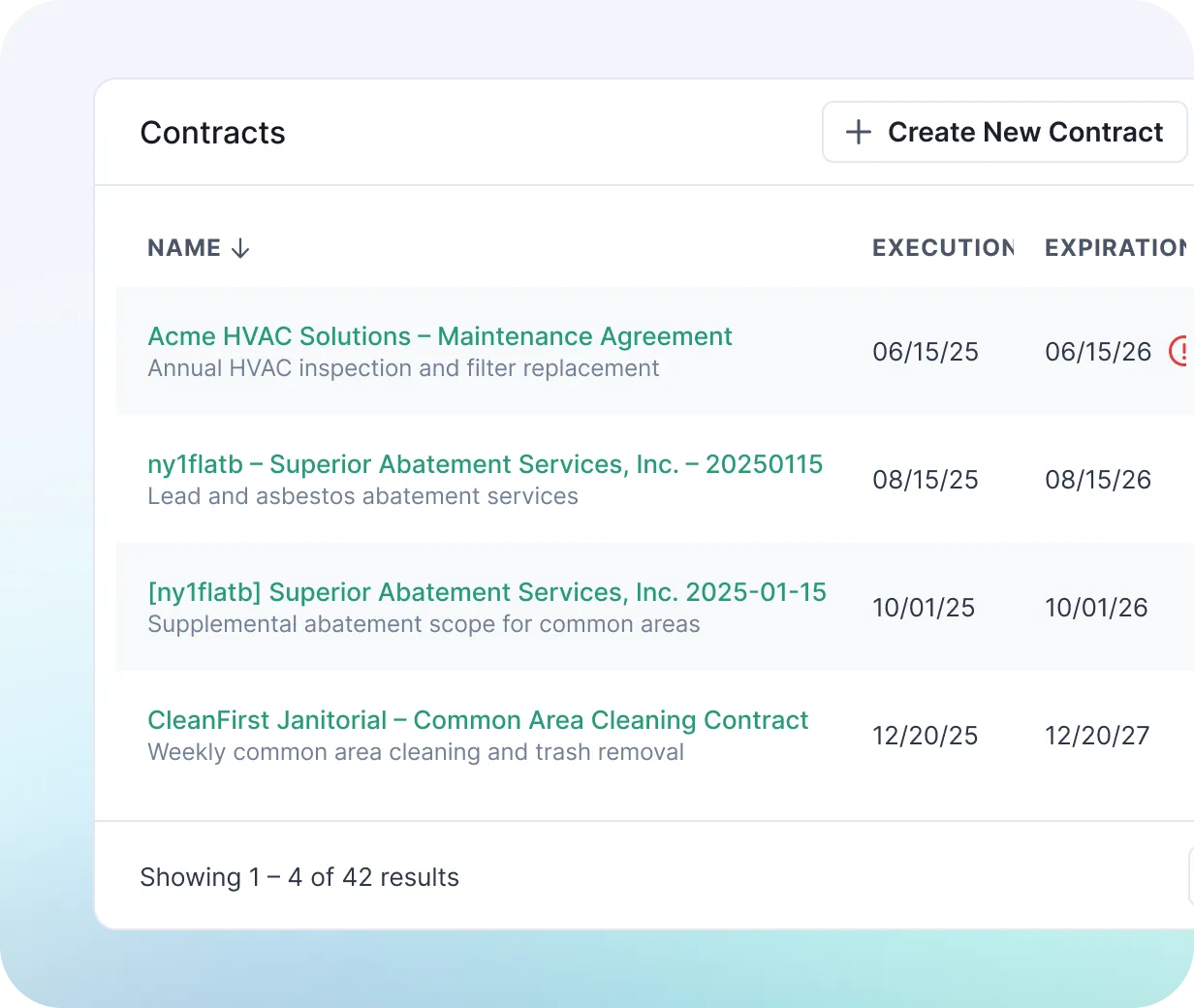
Find, filter, and sort by vendor, property, status, or date. Instantly. No digging through files, no emailing someone to find the original.
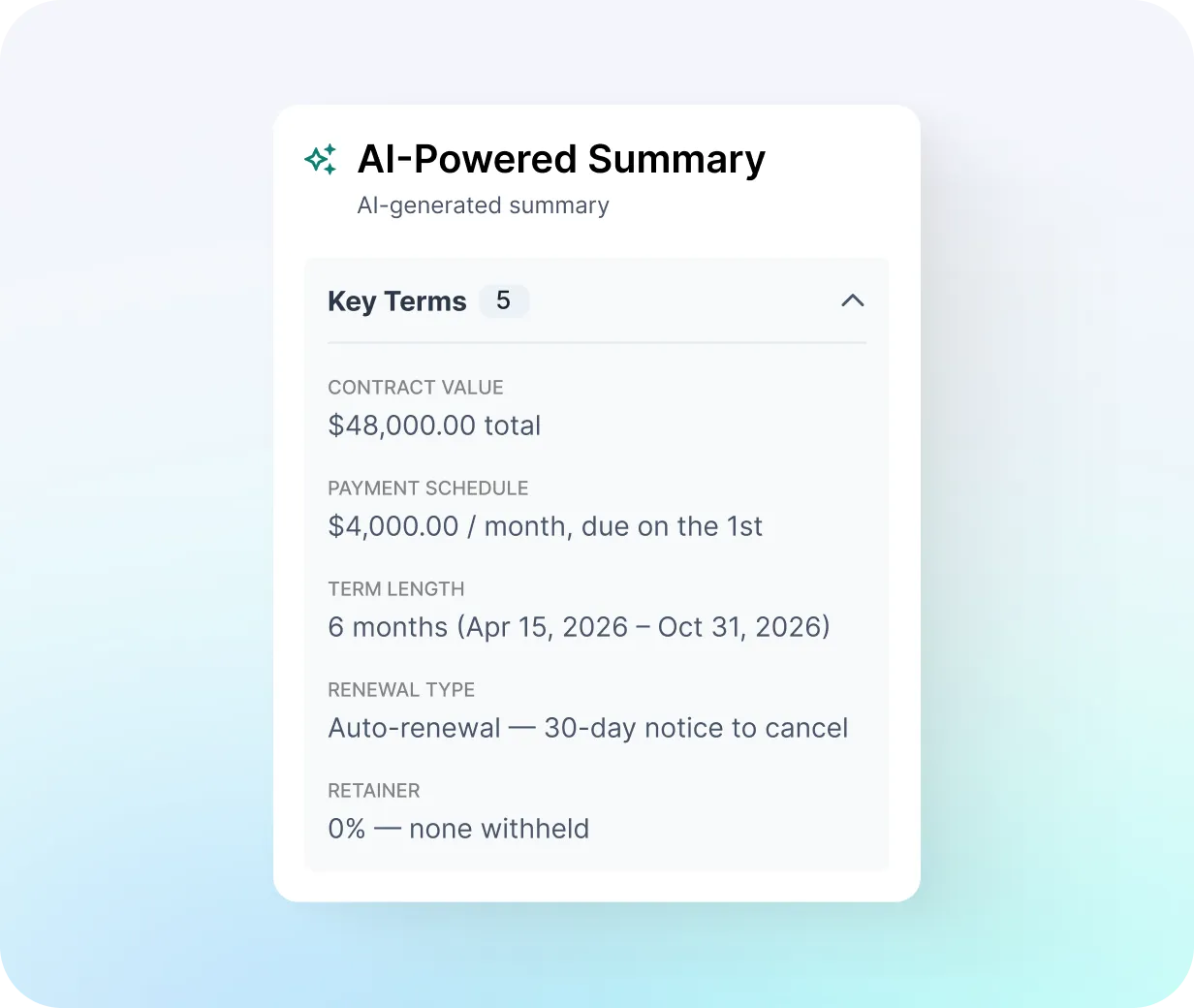
AI-Powered Summaries
Open a contract and instantly know what matters. Key terms, dates, obligations, and renewal triggers, surfaced automatically. No manual review, no outside counsel needed for routine checks.
Configurable Approval Workflows. Built-In from
Day One
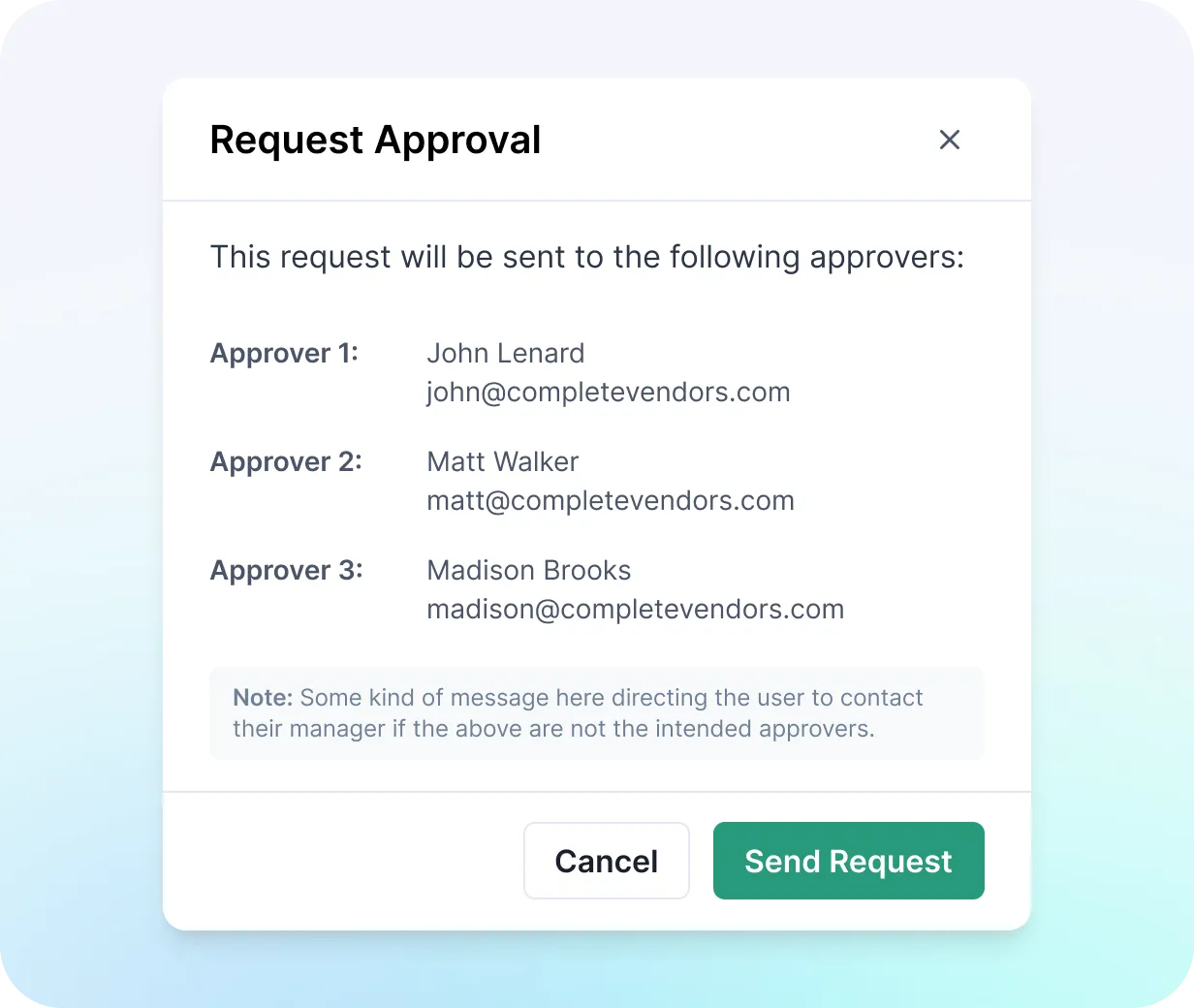
Route contracts to the right approver based on value, person or role, or ownership group. Governance built in from day one, not bolted on later.
Renewal Alerts You Control
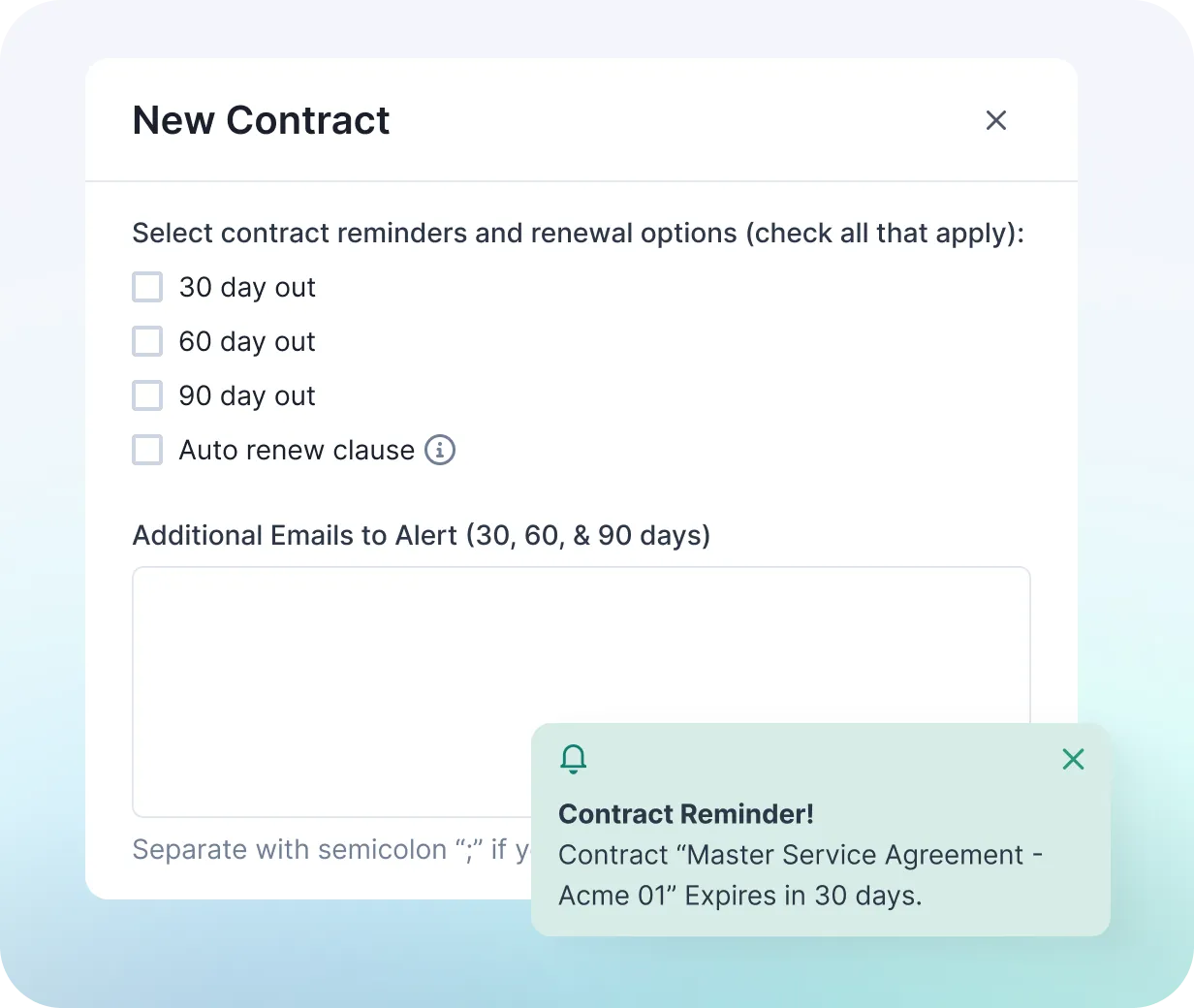
Set your own reminder schedule, configurable to fit how your team works. Early enough to run a competitive rebid before the deadline, not after it's already auto-renewed.
Every Contract. Every Property. Nothing Quietly Expiring
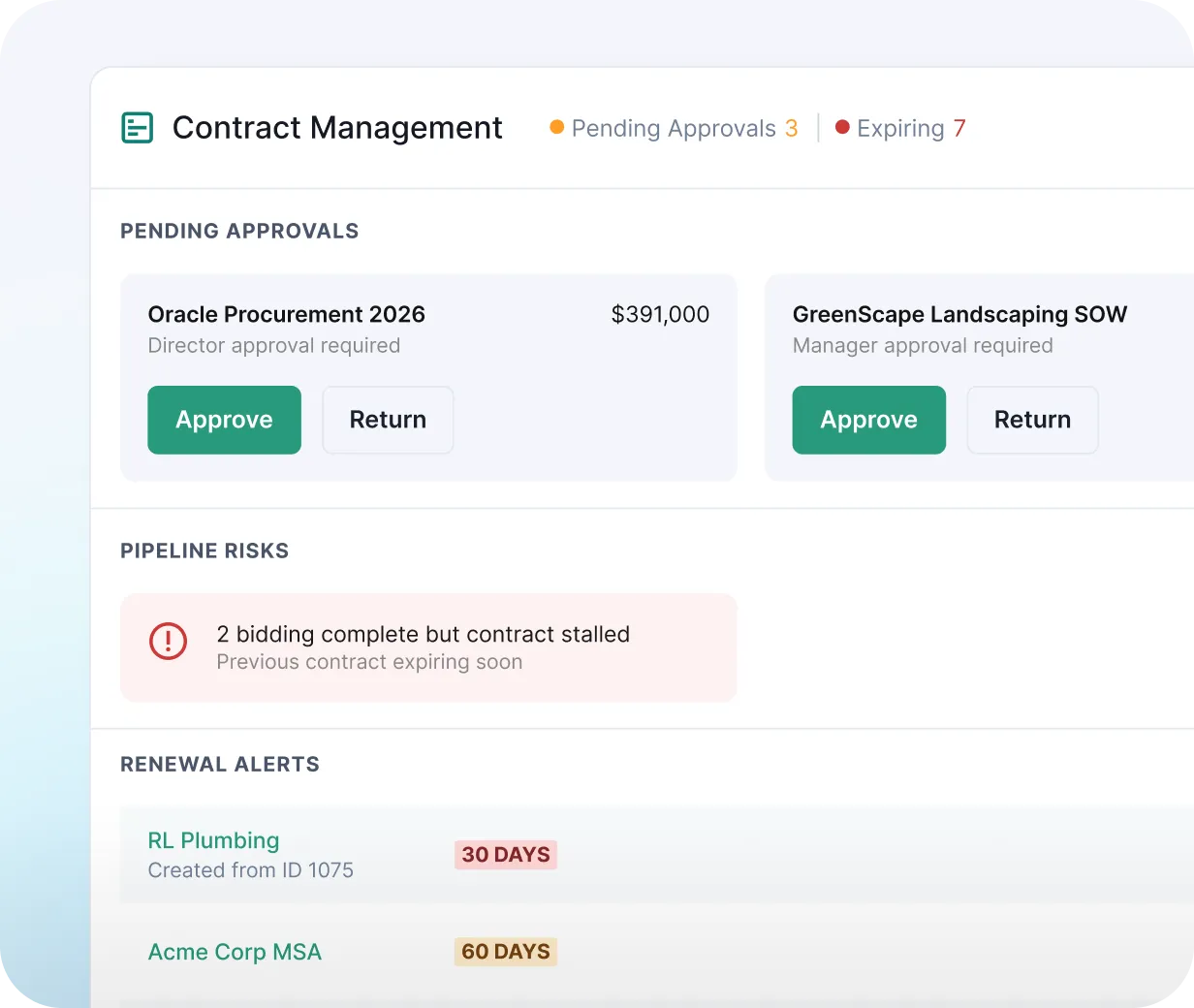
Contract status and expiration dates across every property in one view. Know what's expiring before ownership asks.
From Scattered Contracts to Governed Vendor Relationships
NetVendor centralizes contract visibility, approvals, renewals, and obligations so property managers have consistent oversight across every property and ownership group.
liability nobody budgeted for.
 Contracts auto-renewing without a rebid
- Expiration dates in spreadsheets nobody updates
- Vendors working under expired agreements
- No audit trail when ownership asks questions
- Renewals starting too late to run a competitive bid
- Properties without approval authority contracting without oversight and approval
- Hidden contracts you aren't even aware of
Never quietly expired.
 Contract creation and storage
- eSignature and document storage in one platform
- Credentials verified before any bid is awarded
- Renewal alerts in time for a competitive bid. Not a rubber stamp
- Every approval, signature, and change on the record
Frequently Asked Questions
Yes. NetVendor imports existing vendor contracts in bulk, up to 20 PDFs at a time. AI reads each contract and extracts key terms, dates, and obligations, such as vendor, contract value, and start and end dates. Your team reviews the extracted details side by side with the original and approves them, so you review instead of retyping.
NetVendor gives every vendor contract a status visible across your portfolio, and active contracts move to Expired automatically. You set reminder emails on your own schedule and can send scheduled renewal reports, such as every contract expiring in the next 90 days, so your team has time to rebid or exit before the deadline.
NetVendor routes each contract automatically through up to three levels of approval, based on property role, a named approver, or the contract's dollar value. Approvers can approve, return for correction, or reject, always with a written reason. Owners and outside counsel can approve through a secure link, with no NetVendor account needed.
In NetVendor, your team and vendors sign in the order you define. Account holders sign in the platform; anyone else gets a secure, single-use email link valid for 7 days. Vendors can set a default signature so contracts reach the right person first. The executed PDF becomes the contract of record, with a timeline of every send, view, and signature.
Yes. In NetVendor, changing a contract's key terms, such as vendor, value, dates, payment terms, or renewal clause, creates a new version instead of overwriting the old one. Show Edits displays a side-by-side comparison, with old values struck through and new values highlighted, so you always know exactly what was signed.
Yes. NetVendor logs every contract submission, approval, return, rejection, signature, and status change with a timestamp, the person who acted, and their reason. The full history can be filtered and downloaded as a PDF, giving ownership or an auditor a complete record without reconstructing it from email or spreadsheets.
Yes, if your team runs bidding in NetVendor. When a bid is awarded, NetVendor creates a contract pre-filled with the awarded bid details, and your team reviews and confirms everything before it goes for approval. Because only compliant vendors can be awarded a bid, contracts created this way start with a compliant vendor, with bidding and contracts running as one workflow.
Yes. NetVendor lets you filter vendor contracts by status, vendor, property, tag, or date range, then build reports with the columns you choose. Send reports now or schedule delivery, such as on the 1st and 15th of each month. Recipients get a secure link showing only the contracts they're allowed to see.